
OMEN Gaming Hub
vAuto-updating (Microsoft Store)Free
HP's performance, fan and RGB app for HP gaming PCs. By HP Inc.
- Windows
By the ToolsBharat teamLink checked 30 Oct 2026How we check
Quick answer
OMEN Gaming Hub is free software for Windows from HP Inc.. HP's performance, fan and RGB app for HP gaming PCs. Download it only from apps.microsoft.com. The latest version we track is Auto-updating (Microsoft Store). ToolsBharat links straight to the publisher's own download page, with no bundled offers.
- Latest version:
- Auto-updating (Microsoft Store)
- Publisher:
- HP Inc.
- Official site:
- hp.com
- Licence:
- Free — Proprietary — free (Microsoft Store)
- Requirements:
- Windows 10 version 19041.0 or later (Microsoft Store listing)
Our verdict
HP's gaming hub for its OMEN gaming PCs: system vitals, performance and thermal modes, RGB lighting in Light Studio and a game launcher. Overclocking and some tuning features are limited to supported OMEN platforms. HP links to the Microsoft Store listing, which is what we link to.
Screenshots
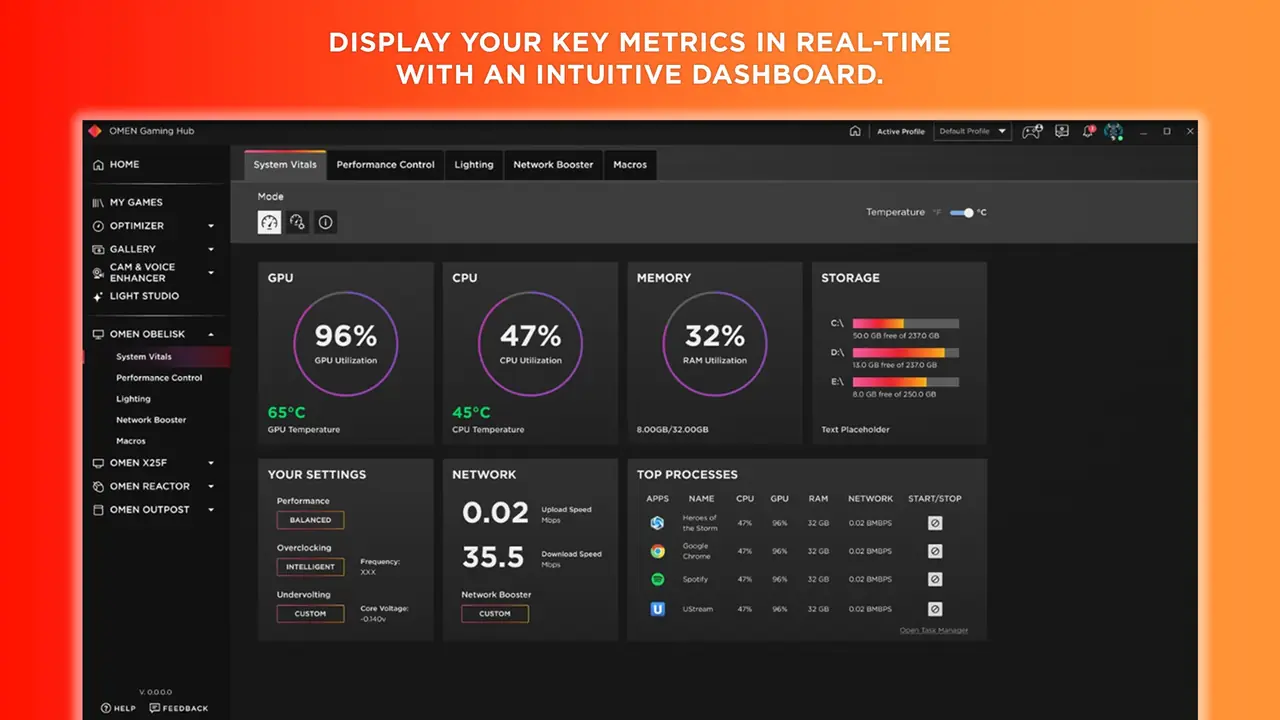
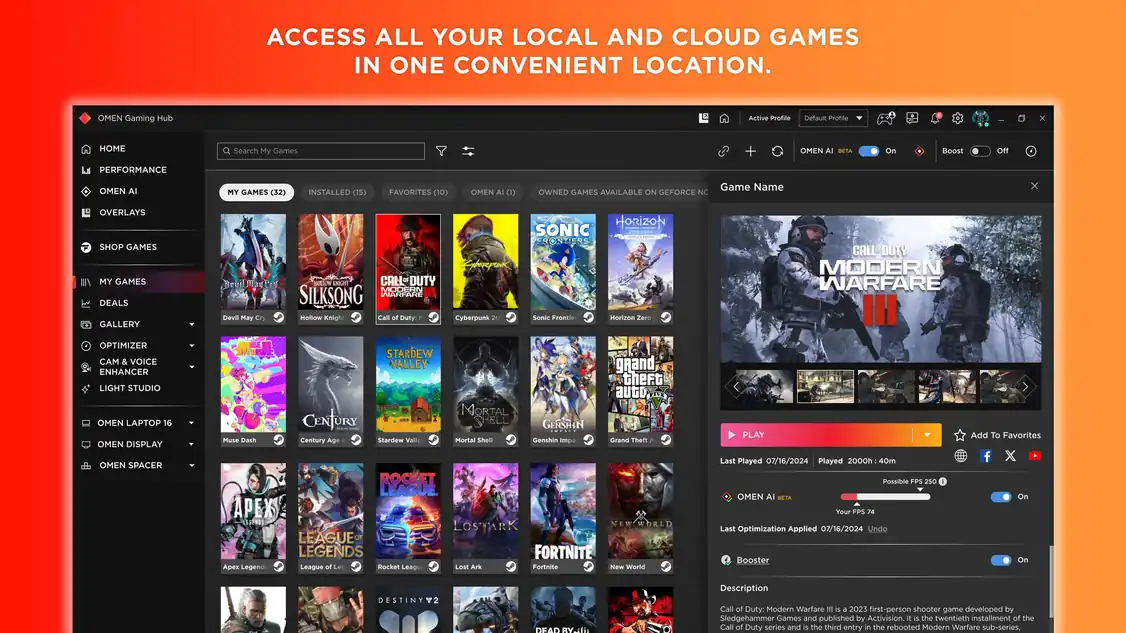
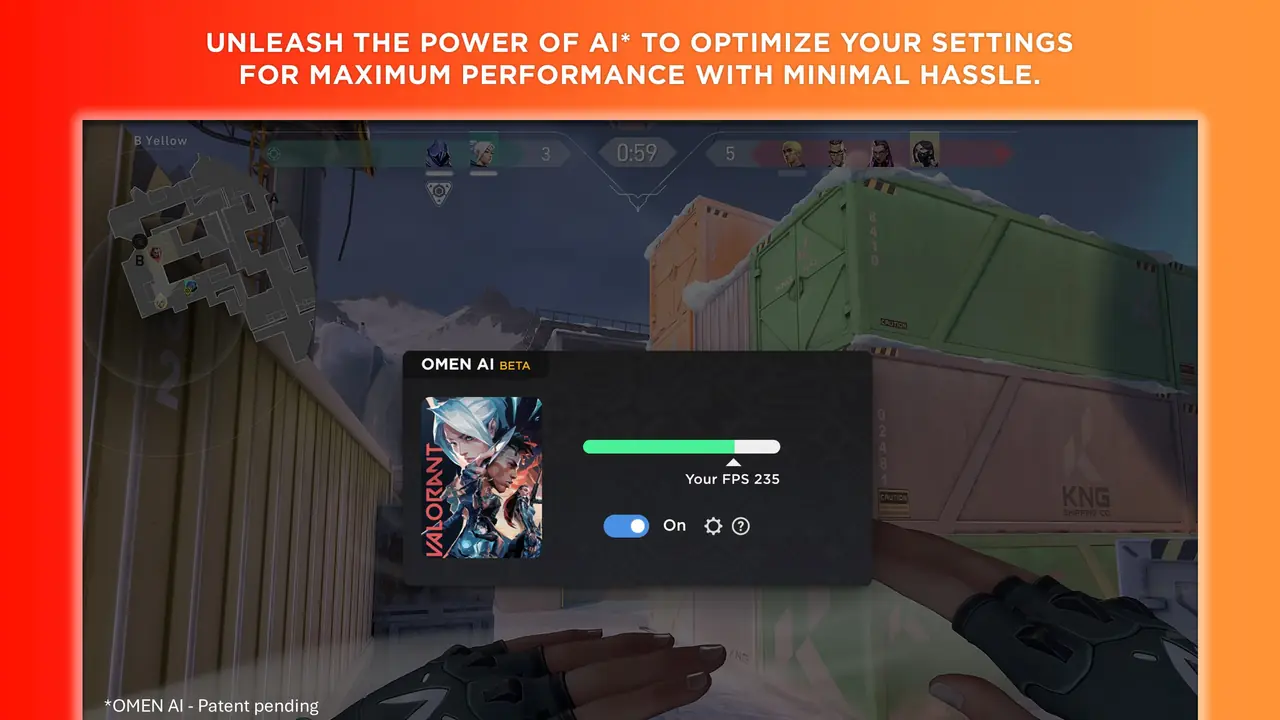
Key features
- System Vitals dashboard for CPU, GPU, RAM and network
- Performance Control for power and thermal modes
- Light Studio for OMEN and select third-party RGB devices
- Network Booster, game launcher, deals and wallpapers
Pros
- Pro: Official HP app, updates through the Store
- Pro: One place for fans, lighting and performance
Cons
- Con: Overclocking only on supported OMEN platforms
- Con: HP requires a Microsoft account and an internet connection
What's new in Auto-updating (Microsoft Store)
See what changed in Auto-updating (Microsoft Store) in the official release notes
Version history
Version Auto-updating (Microsoft Store)Latest
date not stated · 315.0 MB- SHA-256
- The developer does not publish one
- Source
- Release notes
Requirements
- OS
- Windows 10 version 19041.0 or later (Microsoft Store listing)
- Architecture
- 64-bit
Licence
- Type
- Free
- Licence
- Proprietary — free (Microsoft Store)
- Publisher
- hp.com
Where these facts come from
Checked 30 Oct 2026
FAQ
Which HP PCs does OMEN Gaming Hub support?
HP's page lists supported devices only as 'PC', and the Store listing says overclocking and some tuning work only on supported OMEN platforms. Which features appear depends on your model.
User reviews
User reviewsयूज़र रिव्यू
No reviews yet
Used OMEN Gaming Hub? Reviews appear after moderation; we never import or invent ratings.
Alternatives
- Alienware Command Center (AWCC)6.14.4.0 · FreeFan, power, lighting and peripheral control for Alienware and Dell G Series. Official Developer SHA-256 No bundles
- ASUS Armoury Crate3.3.6.0 (installer) · FreePerformance modes, Aura RGB and device updates for ROG and TUF hardware. Official No bundles
- MSI Center2.0.72 · FreeMSI's hub for motherboard, graphics card and laptop settings and updates. Official No bundles
OMEN Gaming Hub
Auto-updating (Microsoft Store) · 315.0 MB