Jupyter notebooks as a normal desktop app — no terminal needed. By Project Jupyter
- Windows
- macOS
- Linux
By the ToolsBharat teamUpdated 26 Aug 2026How we check
Quick answer
JupyterLab Desktop is open source software for Windows, macOS and Linux from Project Jupyter. Jupyter notebooks as a normal desktop app — no terminal needed. Download it only from github.com. The latest version we track is 4.6.3-1 (26 Aug 2026). ToolsBharat links straight to the publisher's own download page, with no bundled offers.
- Latest version:
- 4.6.3-1 (26 Aug 2026)
- Publisher:
- Project Jupyter
- Official site:
- github.com
- Licence:
- Open source — BSD-3-Clause
- Requirements:
- Windows 10 or 11; macOS 12+; Linux (Ubuntu 18.04+, Fedora 32+, Debian 10+)
Our verdict
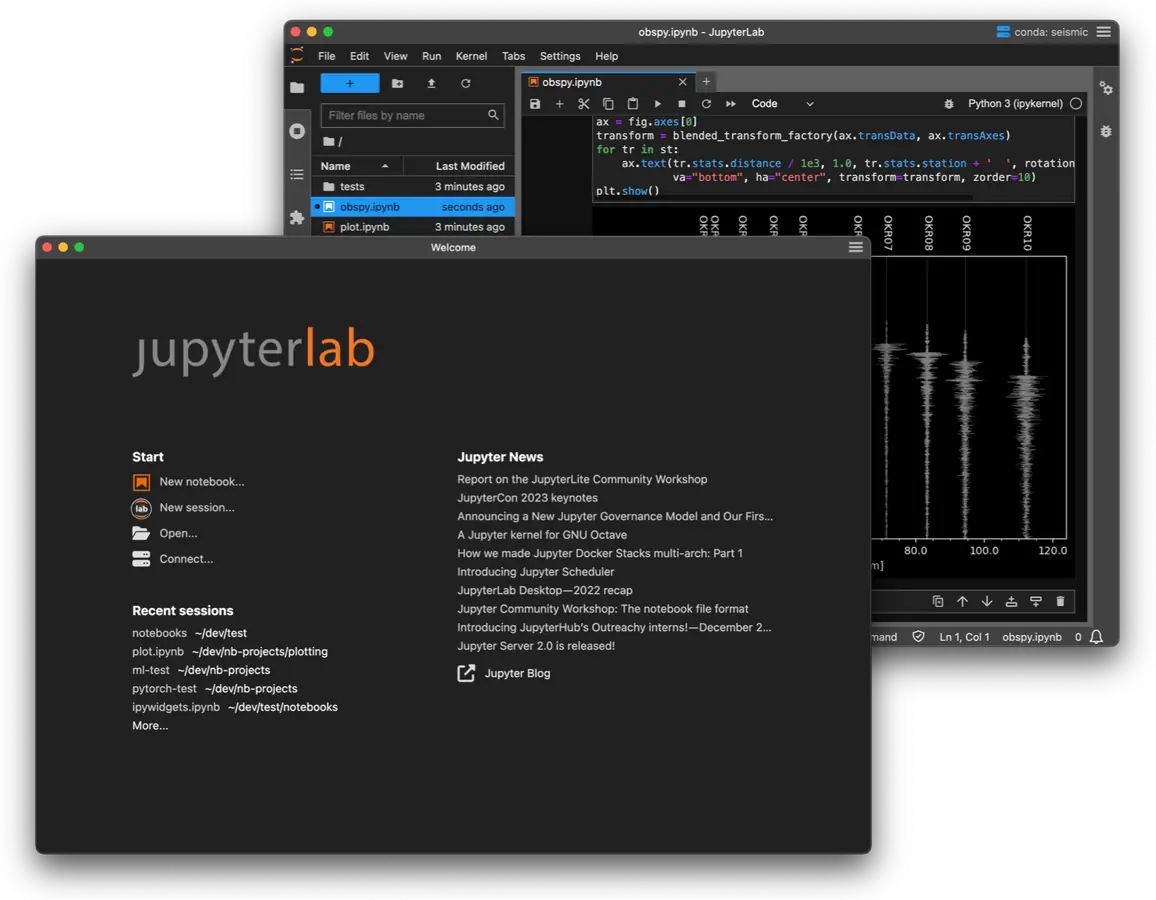
JupyterLab Desktop wraps JupyterLab in a regular app with a Start-menu icon, so students can open .ipynb notebooks without typing 'jupyter lab' in a terminal. Each folder you open is a separate project with its own Python environment and layout. It is lighter than installing all of Anaconda when you only need notebooks, and is also available through winget.
Screenshots
Key features
- Open notebooks and folders like any desktop app
- Per-project Python environments
- jlab command-line launcher
- Prebuilt JupyterLab extensions supported
Pros
- Pro: Simplest way to get Jupyter on Windows
- Pro: Official Project Jupyter release
- Pro: Free and open source
Cons
- Con: Source extensions that need rebuilding are not supported
- Con: Large Electron-based app
- Con: Windows build is x64 only
What's new in 4.6.3-1
See what changed in 4.6.3-1 in the official release notes
Version history
Version 4.6.3-1Latest
26 Aug 2026- SHA-256
- The developer does not publish one
- Source
- Release notes
Official downloads by platform
For Windows, use the Download button. Other platforms go straight to the publisher's own page or official store.
Requirements
- OS
- Windows 10 or 11; macOS 12+; Linux (Ubuntu 18.04+, Fedora 32+, Debian 10+)
- Architecture
- 64-bit (x64); Apple silicon and Intel Macs
Licence
- Type
- Open source
- Licence
- BSD-3-Clause
- Publisher
- github.com
Where these facts come from
Checked 30 Oct 2026
FAQ
How do I download Jupyter Notebook for Windows 11?
Either install JupyterLab Desktop (a standalone app from Project Jupyter) or Anaconda Distribution, which bundles Jupyter Notebook and JupyterLab with Python.
User reviews
User reviewsयूज़र रिव्यू
No reviews yet
Used JupyterLab Desktop? Reviews appear after moderation; we never import or invent ratings.
Alternatives
- Visual Studio Code1.144.0 · FreeFree code editor with debugging, Git and a huge extension library. Official Developer SHA-256 No bundlesAvailable on Windows, macOS, Linux, Web app
- Python3.15.2 · Open sourceThe Python language runtime, pip and the IDLE editor. Official No bundlesAvailable on Windows, macOS, Linux
- Anaconda Distribution2026.07-1 · FreePython, Jupyter and hundreds of data-science packages in one installer. Official No bundlesAvailable on Windows, macOS, Linux

JupyterLab Desktop
4.6.3-1 · Not stated