HP Smart
vAuto-updating (Microsoft Store)Free
Set up, print and scan with HP printers from a Windows PC. By HP Inc.
- Windows
By the ToolsBharat teamLink checked 30 Oct 2026How we check
Quick answer
HP Smart is free software for Windows from HP Inc.. Set up, print and scan with HP printers from a Windows PC. Download it only from apps.microsoft.com. The latest version we track is Auto-updating (Microsoft Store). ToolsBharat links straight to the publisher's own download page, with no bundled offers.
- Latest version:
- Auto-updating (Microsoft Store)
- Publisher:
- HP Inc.
- Official site:
- apps.microsoft.com
- Licence:
- Free — Proprietary — free (Microsoft Store)
- Requirements:
- Windows 10 version 16299.0 or later (Microsoft Store listing)
Our verdict
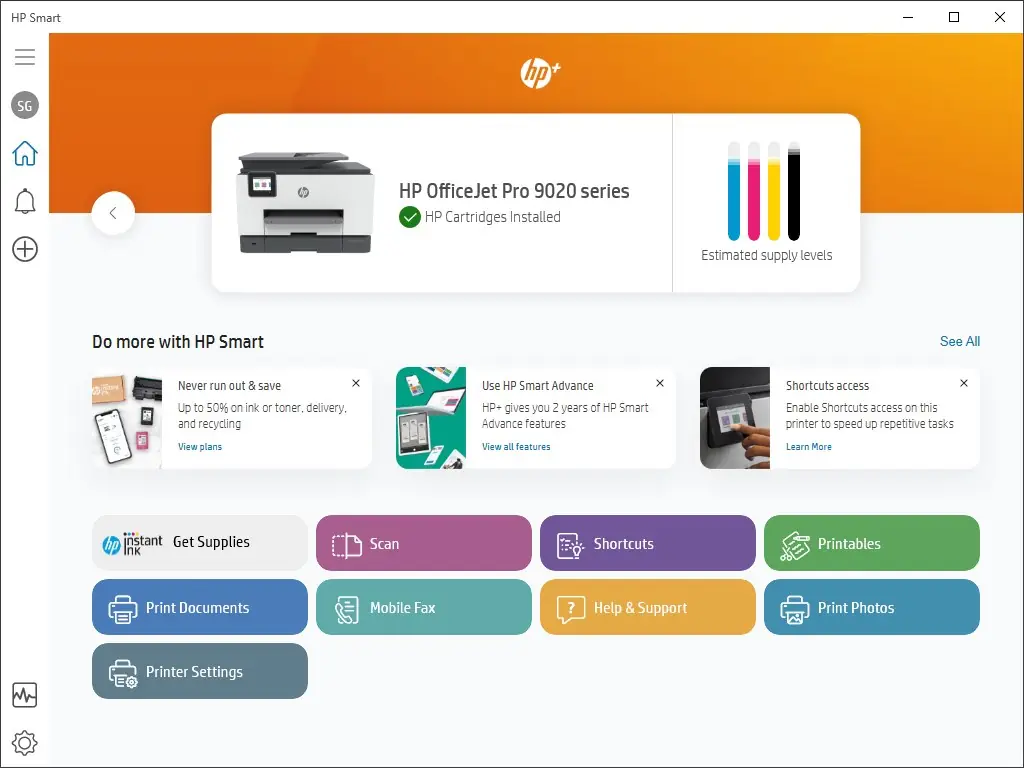
The Windows companion for HP DeskJet, Smart Tank, LaserJet and OfficeJet printers: Wi-Fi setup, printing, scanning and ink levels. HP's own Store listing now says it is moving these tools into the newer HP app, while HP Smart stays available for setup, printing and scanning. For a full printer driver, see our HP printer drivers page.
Screenshots
Key features
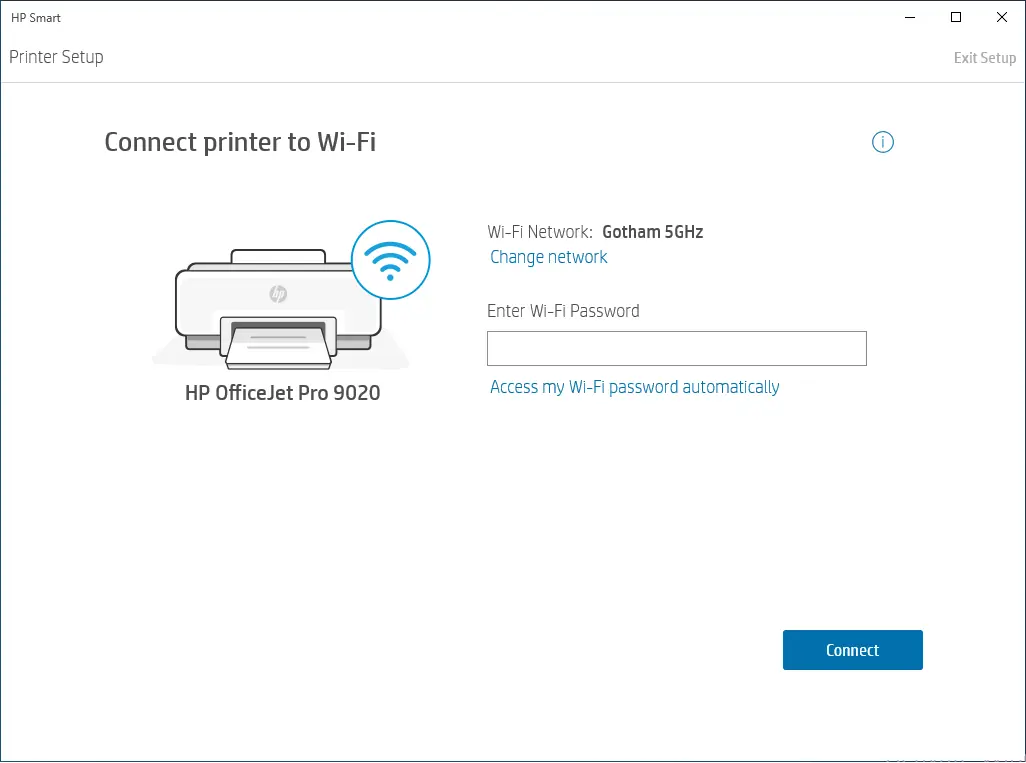
- Printer setup over Wi-Fi or USB
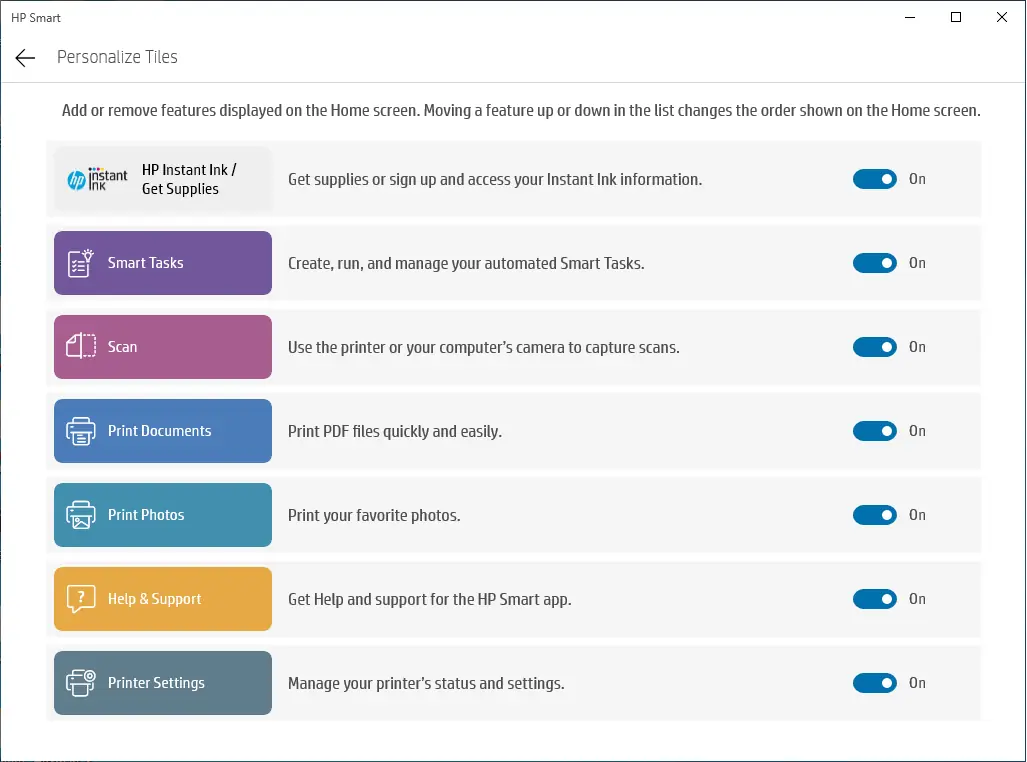
- Print and scan, including scan-to-PDF
- Ink or toner levels and printer status
Free online tools for this
On our sister site MuftTools.in, made by DVM Techno, the team behind ToolsBharat. They run in your browser, with nothing to install.
Pros
- Pro: Official HP app from the Microsoft Store
- Pro: Easiest way to connect a new HP printer to Wi-Fi
Cons
- Con: HP is steering users to the newer HP app
- Con: Some features need an HP account
What's new in Auto-updating (Microsoft Store)
See what changed in Auto-updating (Microsoft Store) in the official release notes
Version history
Version Auto-updating (Microsoft Store)Latest
date not stated · 619.2 MB- SHA-256
- The developer does not publish one
- Source
- Release notes
Requirements
- OS
- Windows 10 version 16299.0 or later (Microsoft Store listing)
- Architecture
- 64-bit
Licence
- Type
- Free
- Licence
- Proprietary — free (Microsoft Store)
- Publisher
- apps.microsoft.com
Where these facts come from
Checked 30 Oct 2026
FAQ
HP Smart or HP app — which should I install?
HP's Store listing says its HP Smart tools have moved to the new HP app, but HP Smart still works for setup, printing and scanning. Either is fine for a home printer; both come from HP.
Is there an HP Smart APK or offline installer?
On Windows, HP distributes HP Smart through the Microsoft Store. Skip 'HP Smart download' sites offering .exe or .apk files.
User reviews
User reviewsयूज़र रिव्यू
No reviews yet
Used HP Smart? Reviews appear after moderation; we never import or invent ratings.
Alternatives
- HP Printer Drivers & HP AppModel-specific · FreeFind the exact driver for your HP printer model on HP's India support site. Official No bundlesAvailable on Windows, macOS, Linux, Android, iOS
- Canon India Drivers, Software & FirmwareModel-specific · FreeModel-specific drivers for Canon printers and scanners from Canon India's support site. Official No bundlesAvailable on Windows, macOS, Linux
- Epson India Printer Drivers & SupportModel-specific · FreeModel-specific drivers for Epson printers from Epson India's support site. Official No bundlesAvailable on Windows, macOS

HP Smart
Auto-updating (Microsoft Store) · 619.2 MB